 Status


Data outside Switzerland, subject to the CLOUD Act.
- Deploio: 100% in Switzerland and under Swiss law

Nine Kubernetes Engine (NKE) in our own data centres in Zurich, ready in a few minutes. We run the …

Deploio is our fully managed app platform (PaaS): every git push builds and releases your app …

Our Managed Virtual Servers run on Ubuntu LTS in our Swiss data centres, from Managed nV4 to nV64 …

Our Managed Dedicated Servers give you exclusive physical hardware with AMD EPYC processors, RAID-1 …

Virtual servers with full root access that you create yourself in Cockpit, with Ubuntu LTS, Debian …

Physical servers with full root access in our Uptime Institute Tier IV data centres in Zurich …

Our Managed GPU Servers pair a dedicated AMD EPYC base system of your choice with an Nvidia H100 …

S3-compatible object storage with Swiss data sovereignty, stored within your chosen data centre and …

Our Root GPU Servers give you full root access to a physical AMD EPYC base system with your choice …

Rack space for your own hardware in two Uptime Institute Tier IV data centres in Zurich and Rümlang, …

Space for single servers in an Uptime Institute Tier IV data centre in Zurich, without renting a …

A vCluster is a virtual Kubernetes cluster on Managed Kubernetes (NKE) with its own dedicated worker …

Airlock Microgateway is a Kubernetes-native web application firewall (WAF) from Swiss manufacturer …

Managed Virtual or Dedicated Server, which size, Standard or Performance: this comparison shows …

Root Dedicated Server or Root CloudVM, which size: this comparison shows which Root Server variant …

Managed GPU Server or Root GPU Server, GPU Standard or GPU Advanced, which Nvidia model: this …

Managed Server or Root Server: the comparison shows the difference in access rights, support and …

Deploio or Heroku: what moves where, what it costs and how the switch works. Keep your git push …

Managed Kubernetes with NKE, a vCluster or a self-hosted cluster: this comparison shows who runs …

We protect your applications with Cloudflare: web application firewall, DDoS protection, and a …

MySQL and PostgreSQL as a self-service DBaaS: book them alongside your Managed Server, Root Server, …

A Redis-compatible Key-Value Store based on Valkey 9, as an On-Demand Service you create yourself in …

Our Managed OpenSearch gives you a production-ready search and analytics platform with built-in …

Web servers, databases, caching, VPNs, search and more on your Managed Server: Managed Services we …

Metrics, dashboards, alerts, logs and traces for your Managed Kubernetes cluster, plus a Grafana …

Binding incident response times, and service credits if we don't meet them.

Our ISO 9001 and ISO 27001 certifications, independently audited by Swiss Safety Center AG, and what …

We compensate our CO₂ emissions annually via certified myclimate projects. With the ClimateCare …

Two separate data centres in the Zurich area, connected by a redundant dark fibre ring: how we build …

Confidentiality, integrity and availability, covered by our documented technical and organisational …

On the «Prantls 5A» podcast, Thomas Hug talks about how a Linux server became a Swiss cloud provider …
At an internal hackathon, we built three prototypes to cut out manual setup steps on Deploio. From a …

We moved our managed services and Deploio from ingress-nginx to HAProxy. Eight defaults behaved …
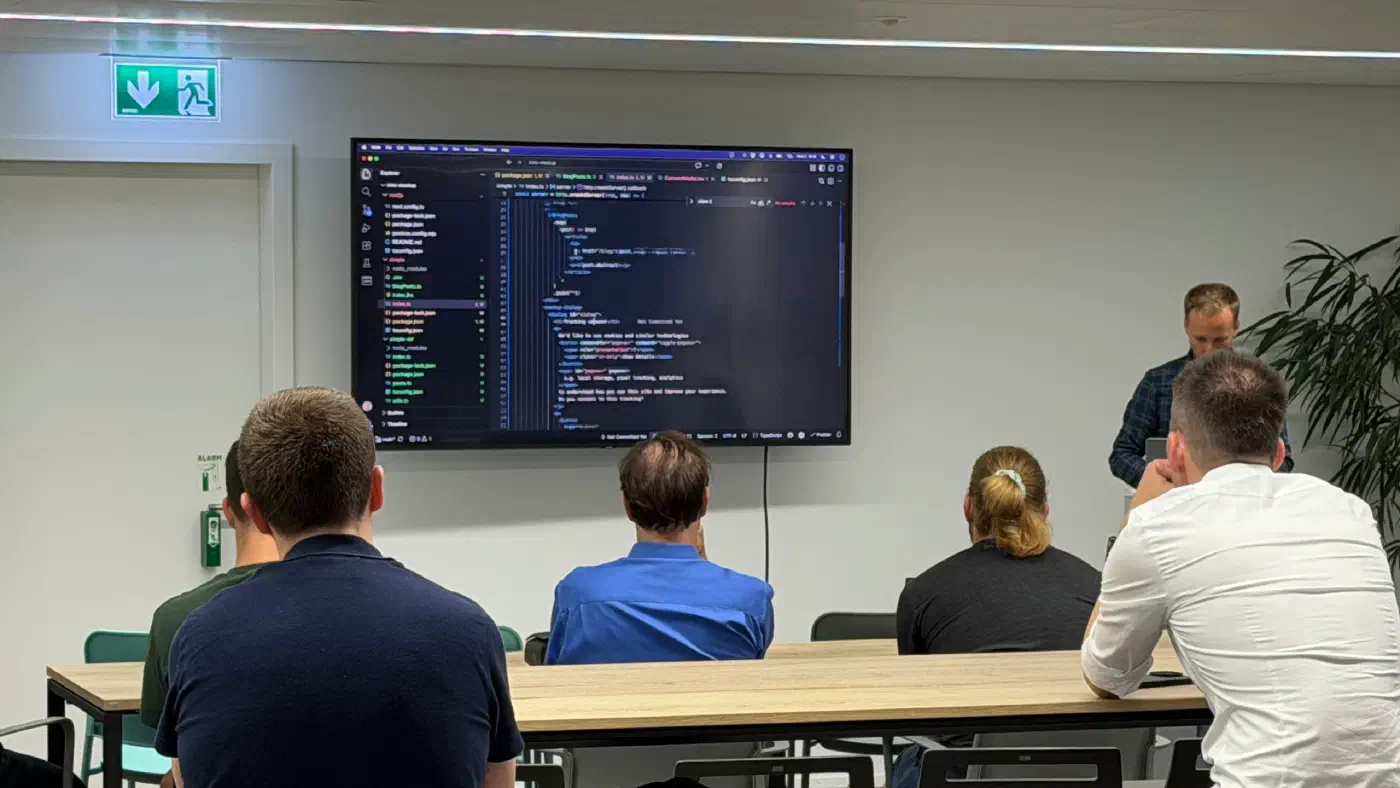
At TechTalk #29, Thomas Jaggi (LegacyNotes) showed live how much modern browsers and Node.js now …

In August 2026, a large DDoS attack hit a customer and our own network directly. What happened, …
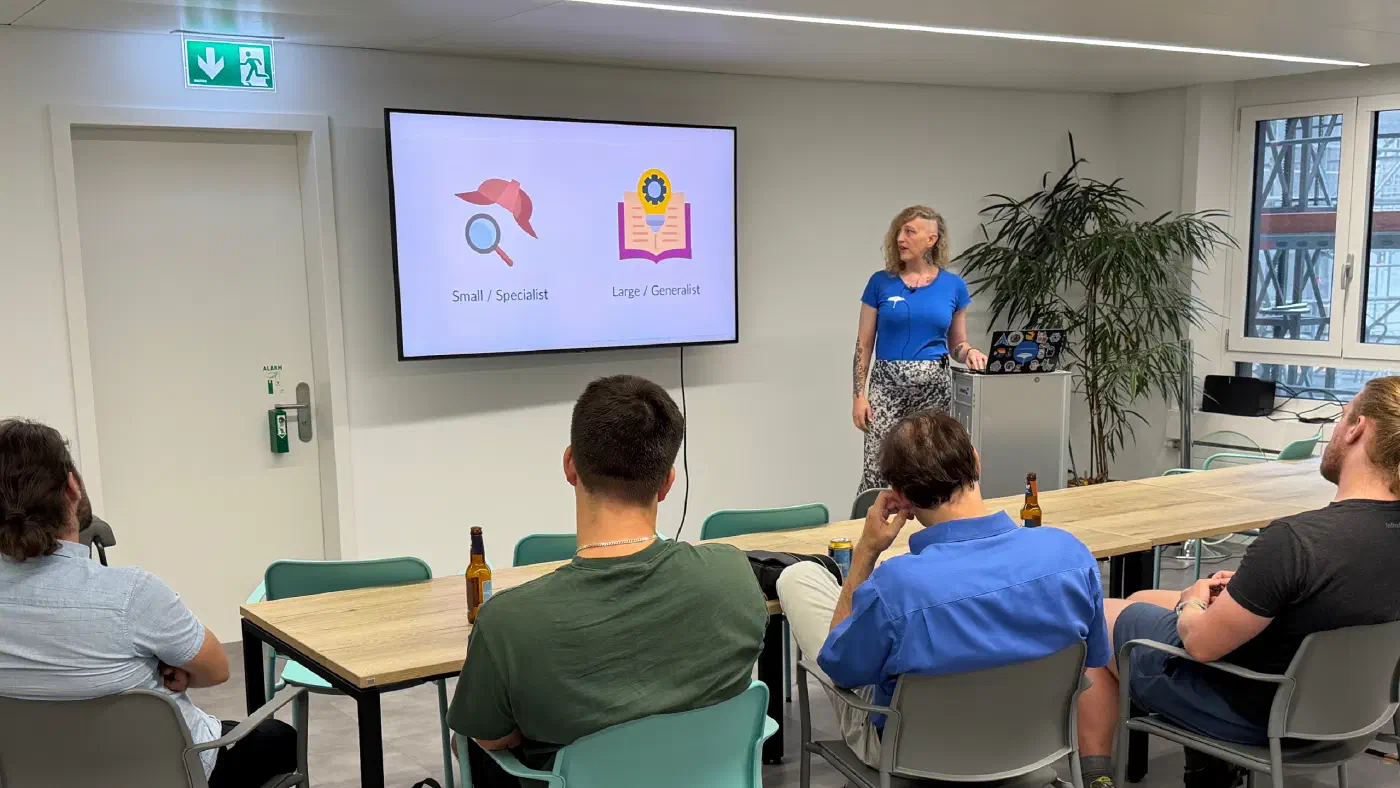
At TechTalk #29, Lena Fuhrimann (bespinian) shared a practical guide to running fast, private LLMs …
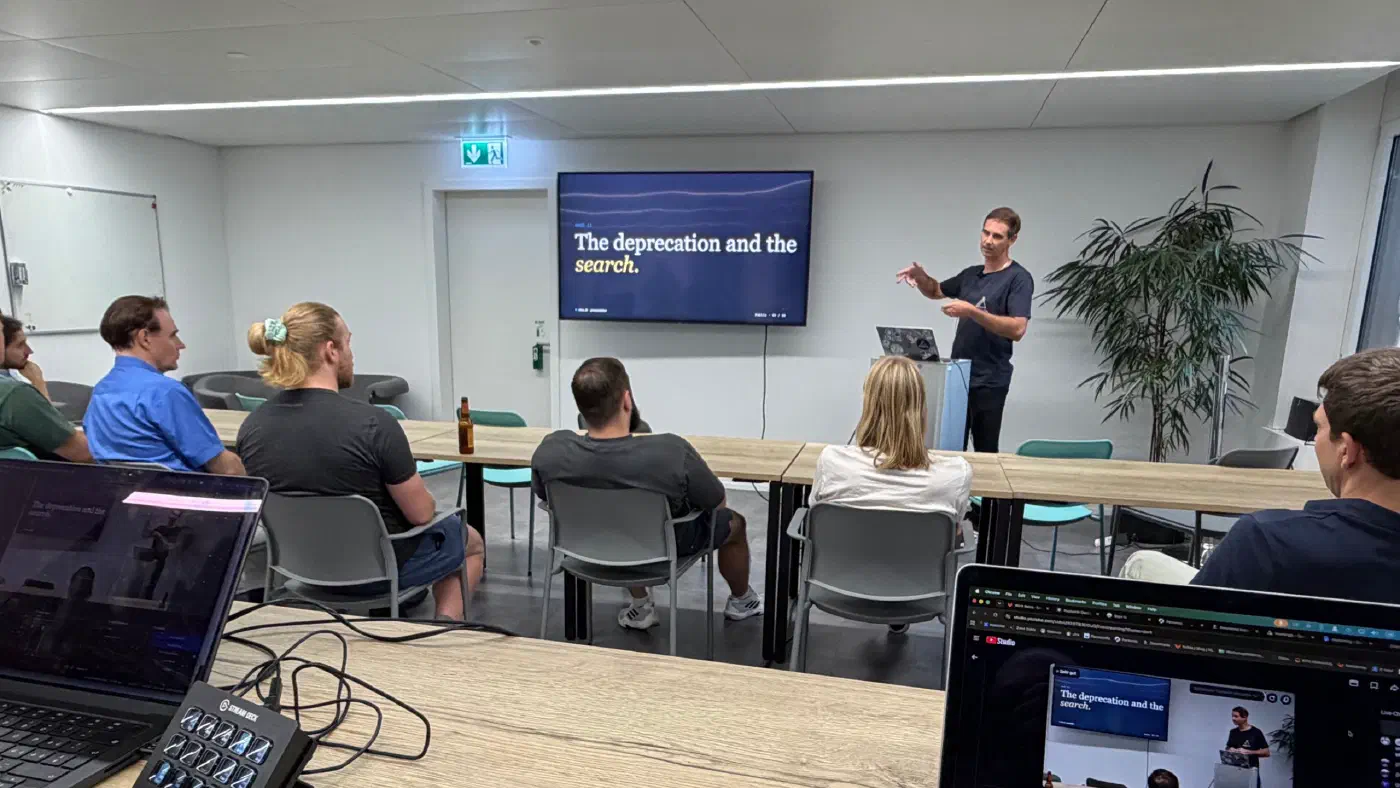
At TechTalk #29, Sebastian Nickel walked us through our journey from Ingress-NGINX to HAProxy and …

An overview of how to manage your infrastructure at Nine through code: the Nine API, nctl, Deploio, …
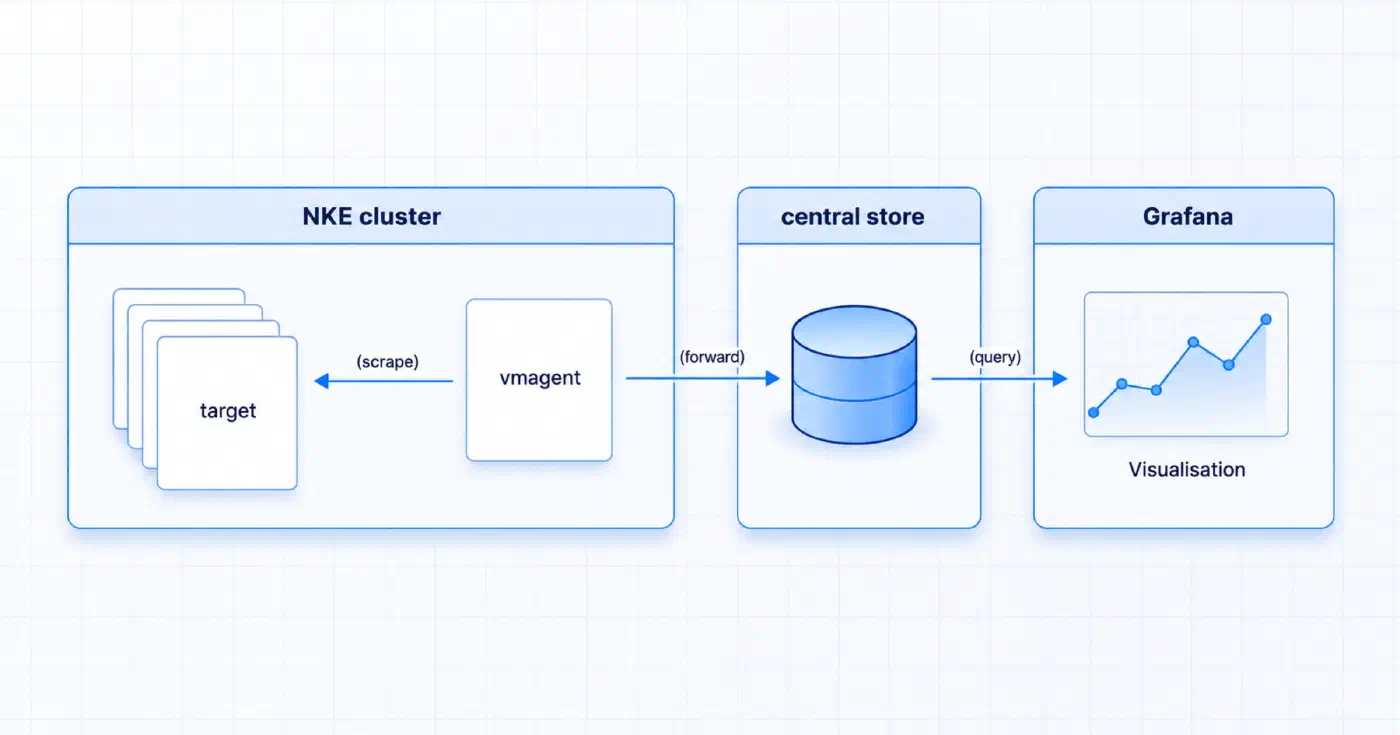
We are excited to announce the release of the NKE Metrics Agent, a new way to handle application …

Ubuntu Resolute brings mostly evolutionary updates for our Managed Servers, a recent kernel and one …

Self-hosted, Exoscale SKS, hyperscaler, VSHN, Swisscom, Infomaniak, or NKE: an honest comparison of …

Cluster upgrades three times a year, observability, secret management, network policies: Kubernetes …
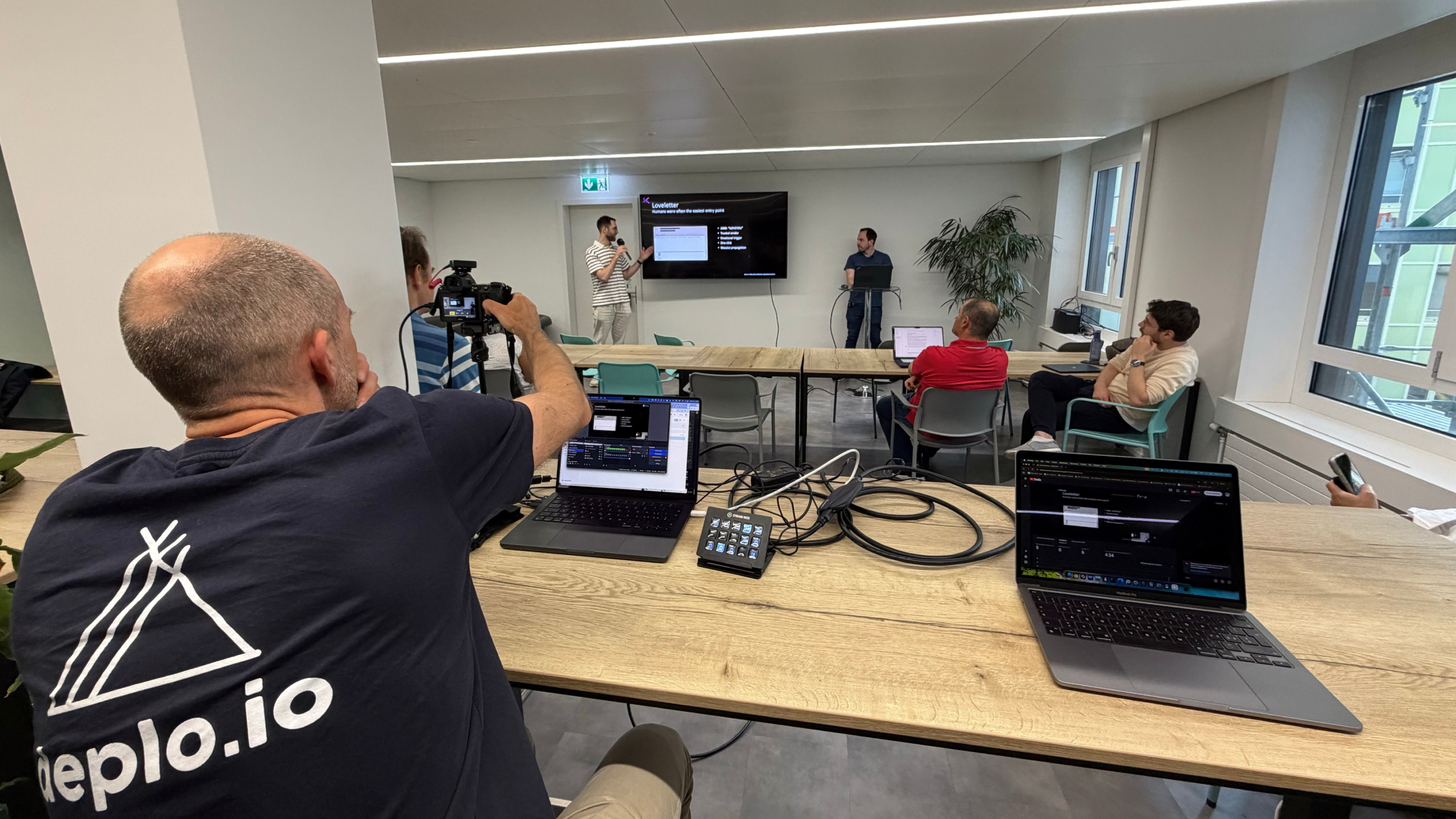
At TechTalk #28 we explored non-human identities as an attack surface, navigating complexity in …
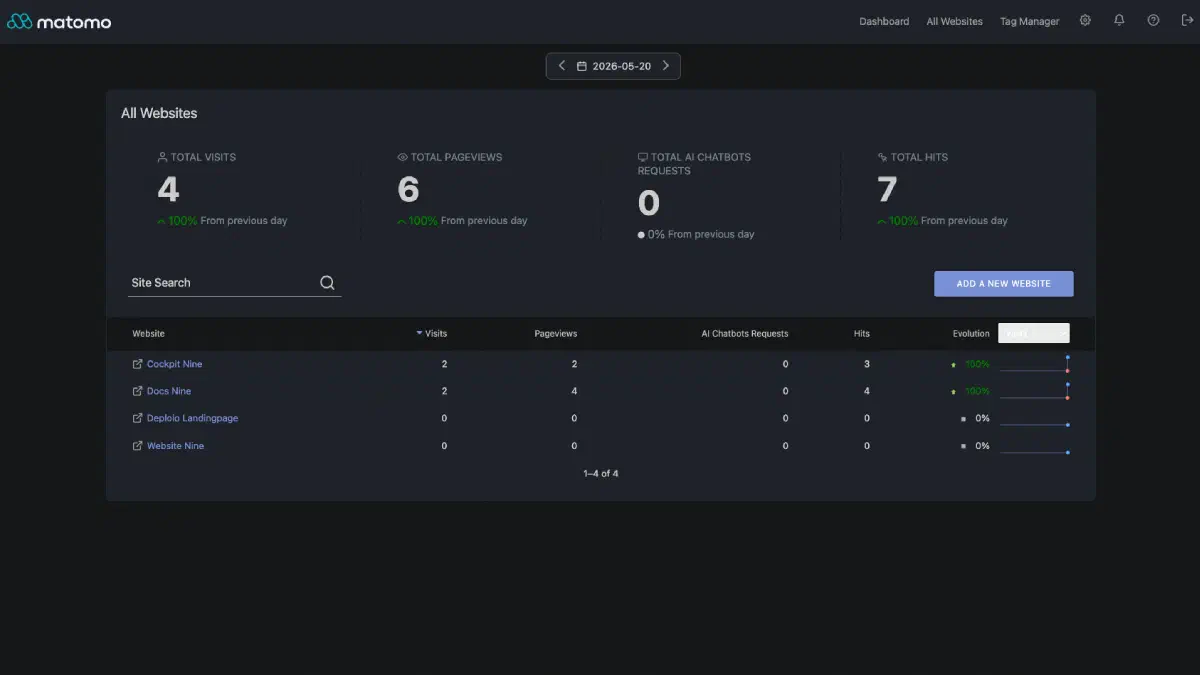
We replaced Google Analytics with a self-hosted Matomo instance running on our own infrastructure in …

On April 30, 2026, a 0-day in the Linux kernel was disclosed: root with a few lines of Python, and …

CLOUD Act, data sovereignty and AI compliance: why Swiss companies shouldn't run their LLM workloads …

Our first TechTalkThursday of 2026 – number 27 in our event series – took place on the 10th of March …

One Slack message, a seamless migration – and finally cloud hosting from Switzerland. How Renuo …
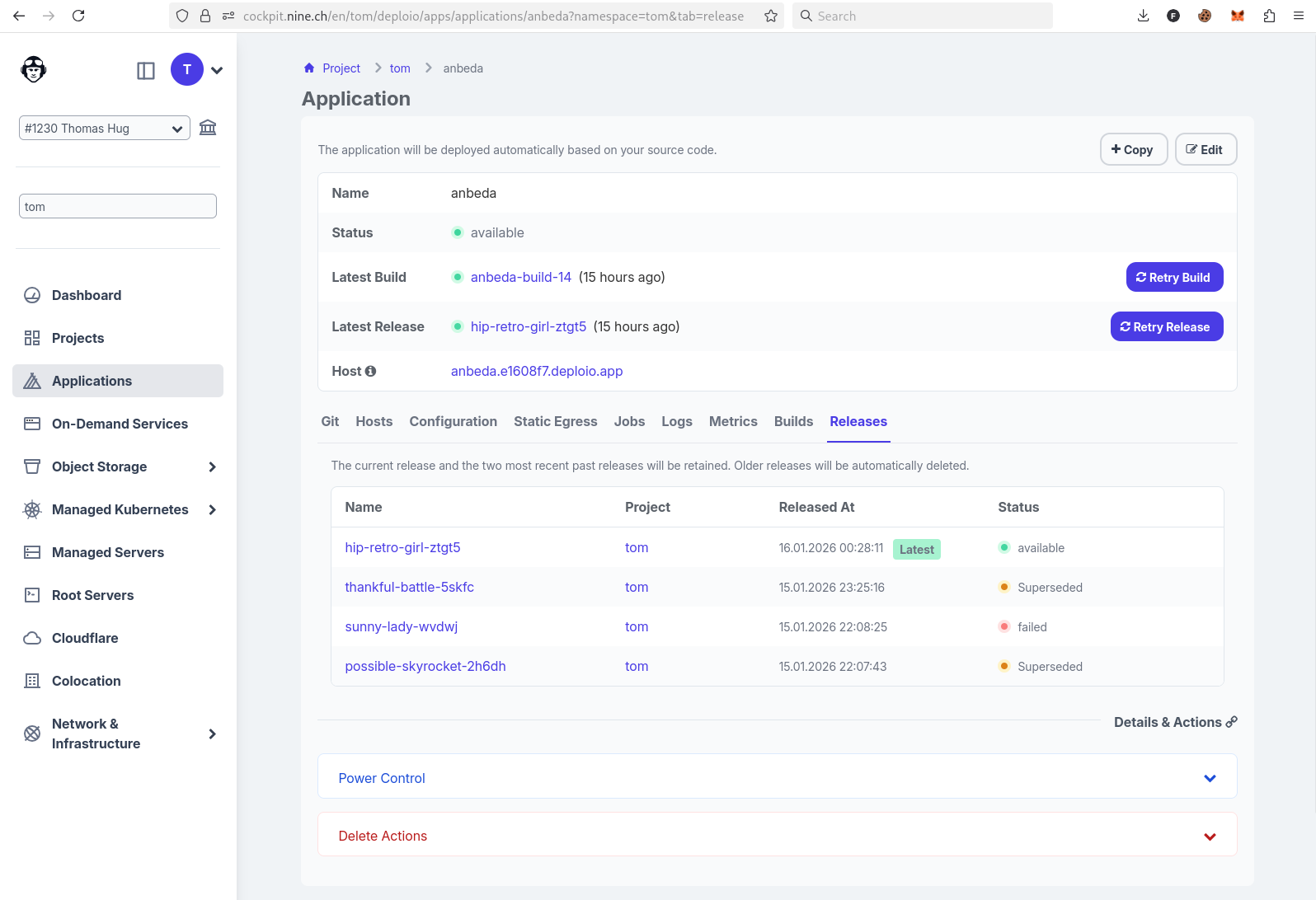
An old Angular 4 app that's been running on a server since 2017 – one that should have been updated …

We migrated our website from WordPress to Hugo. In this article, we explain why we made this move …
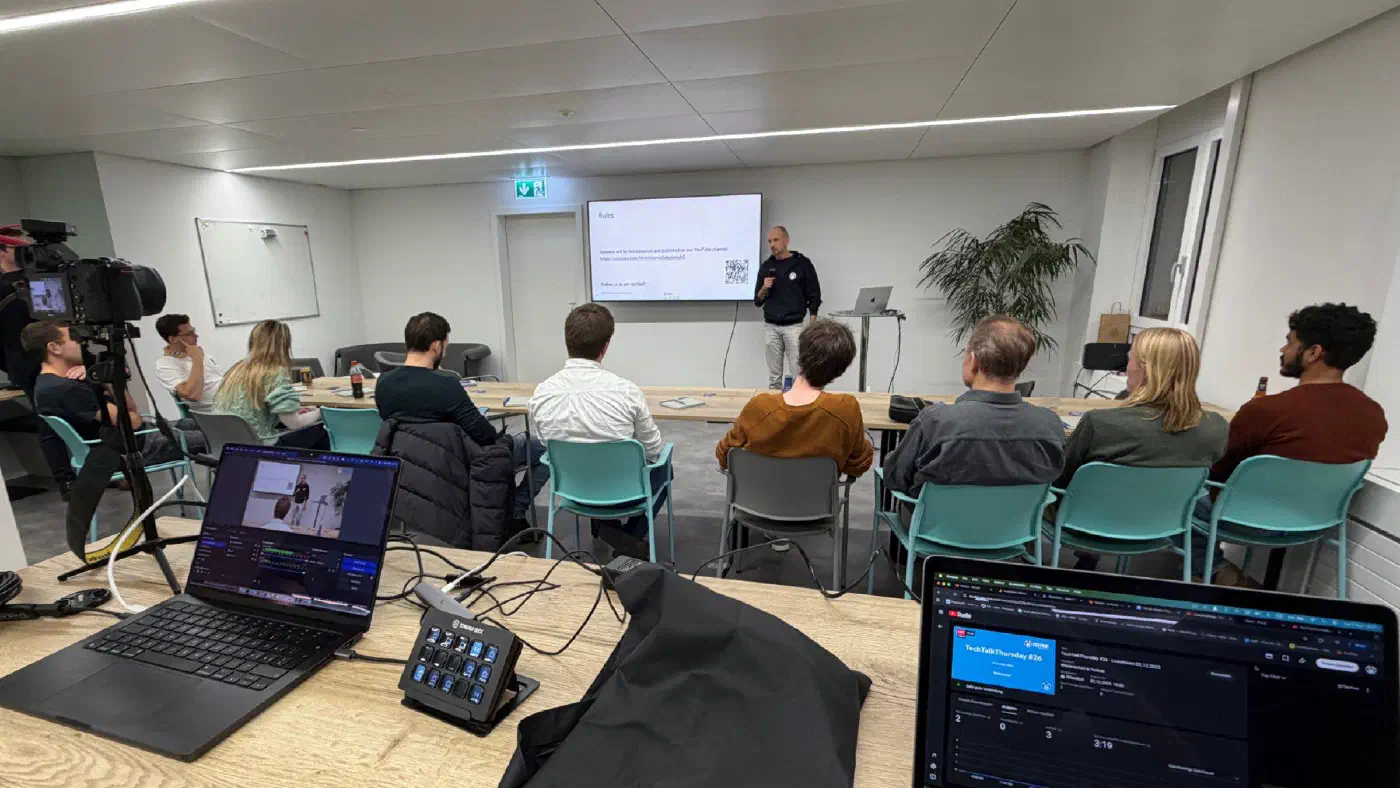
Our fourth and last TechTalkThursday in 2025 – it was number 26 of our event series – took place on …
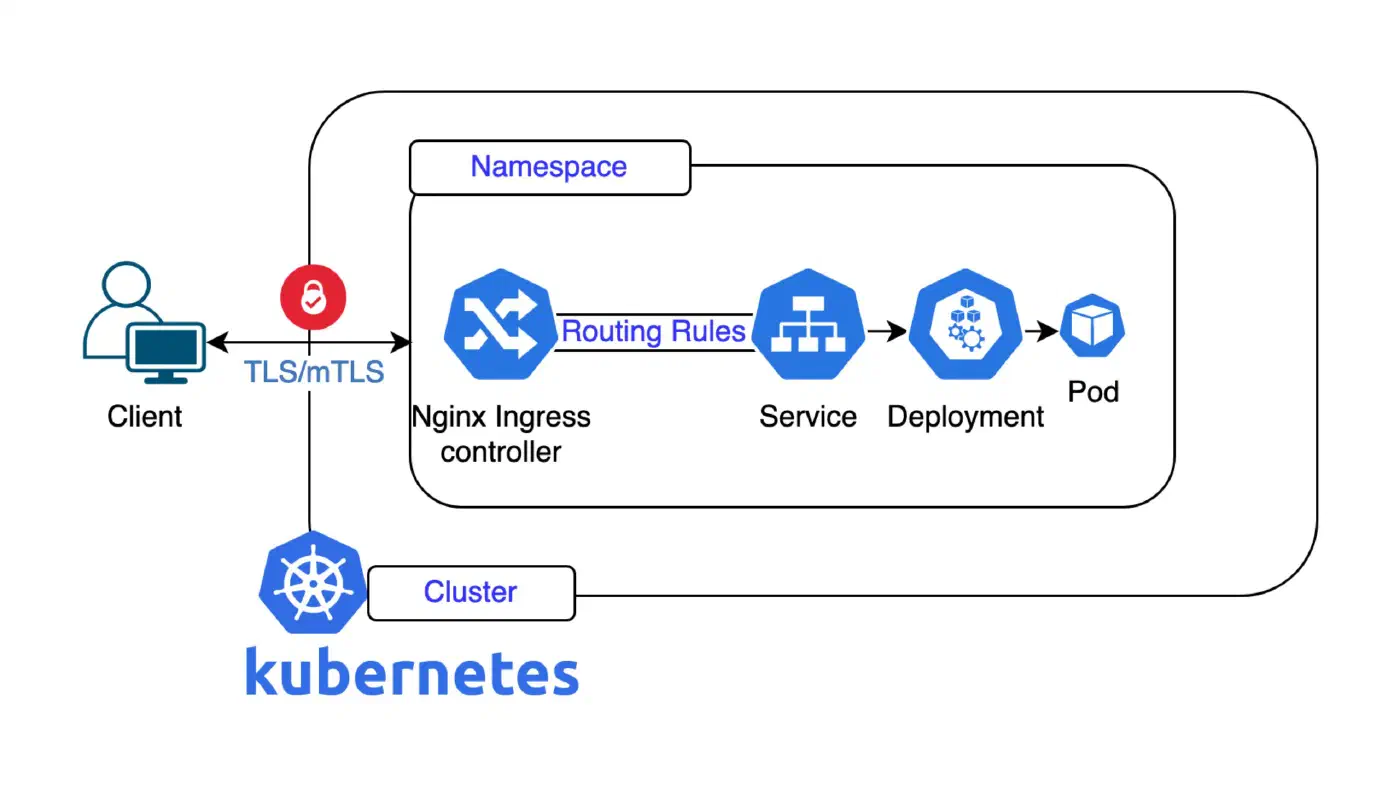
We're currently working on a proper strategy relating to the upcoming retirement of the …

In the digital world, server security is not a “nice-to-have” but one of the cornerstones of a …
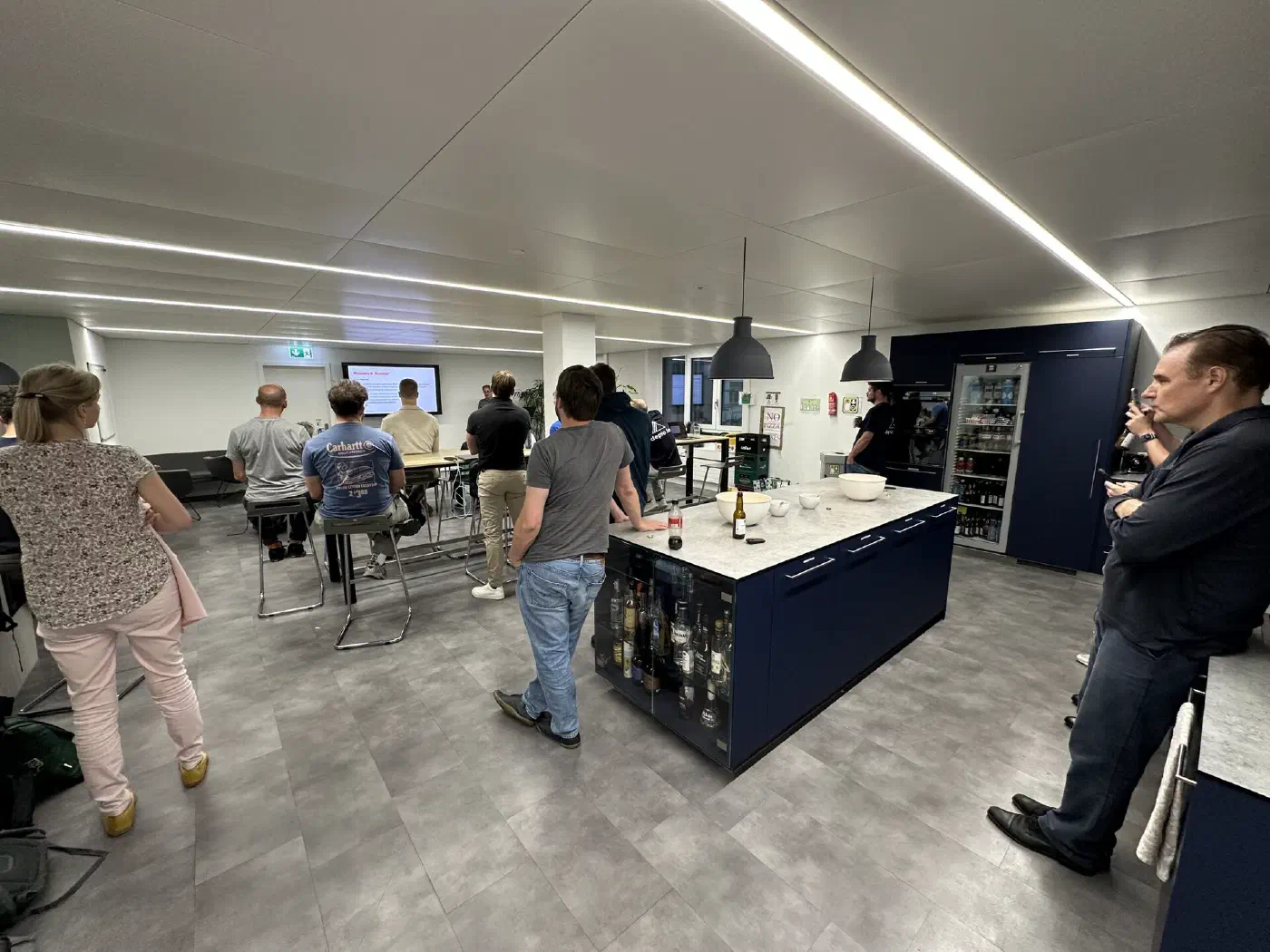
Our third TechTalkThursday in 2025 – it was number 25 of our event series – took place on the 4th of …

«Digitalisation is the path to a sustainable future.» This statement applies in many areas – but it …
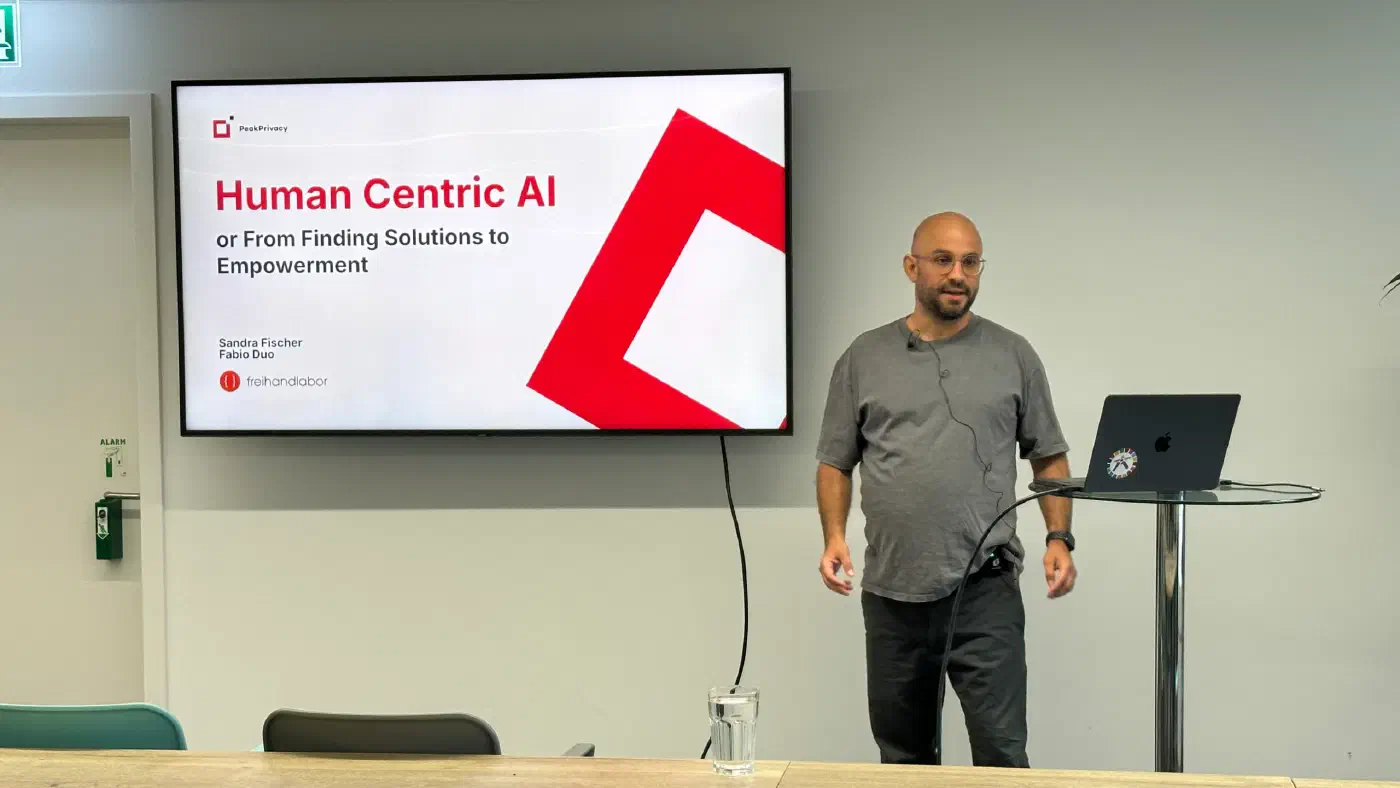
Our second TechTalkThursday this year was number 24 of the event series and took place on the 5th of …

Data protection is no longer just a «nice to have». For many organisations, it has become an …
One common pattern we've observed at Nine is that many of our customers run web applications — think …
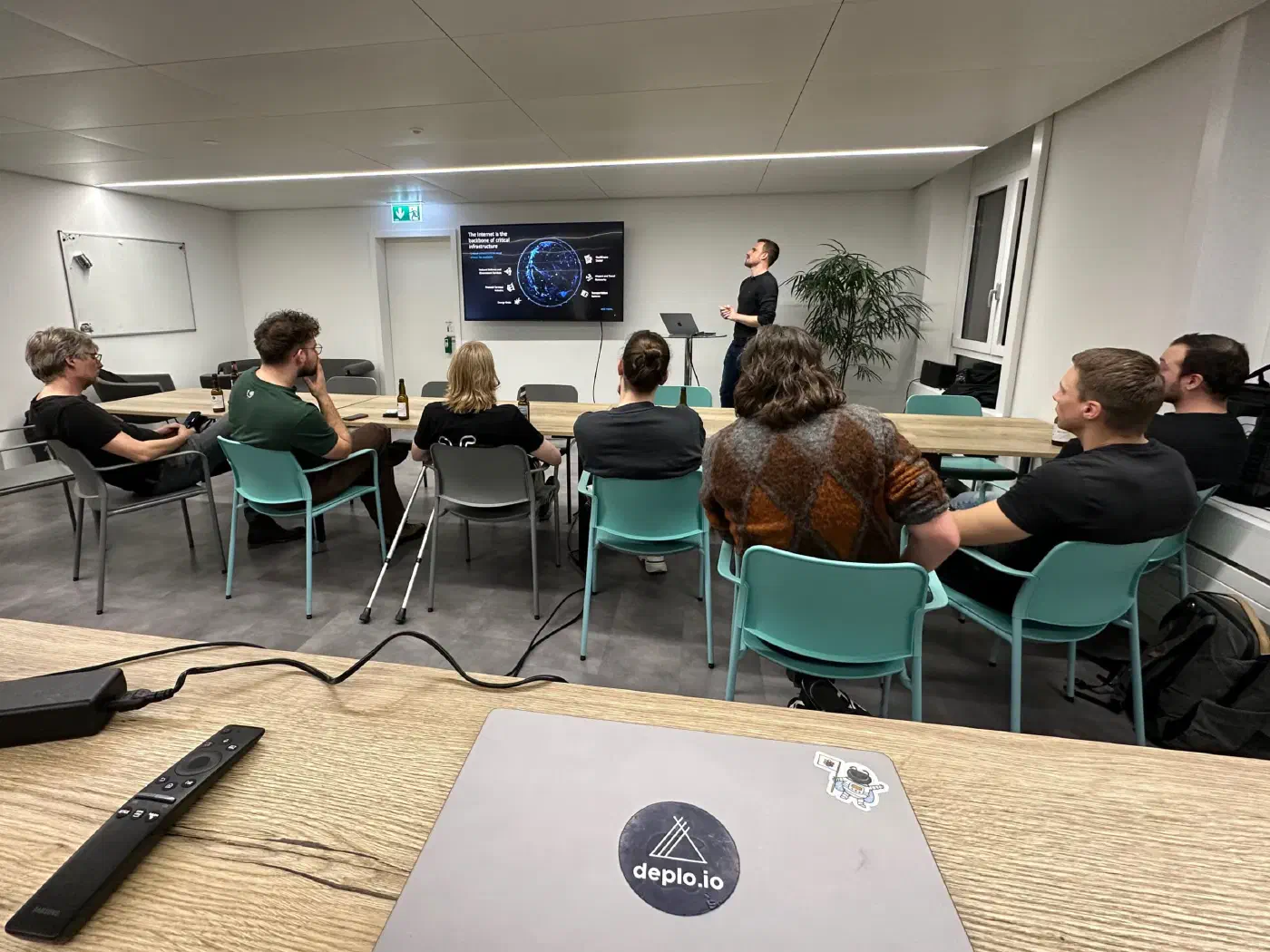
The first TechTalkThursday in 2025 – and number 23 of the event series – took place on the 6th of …
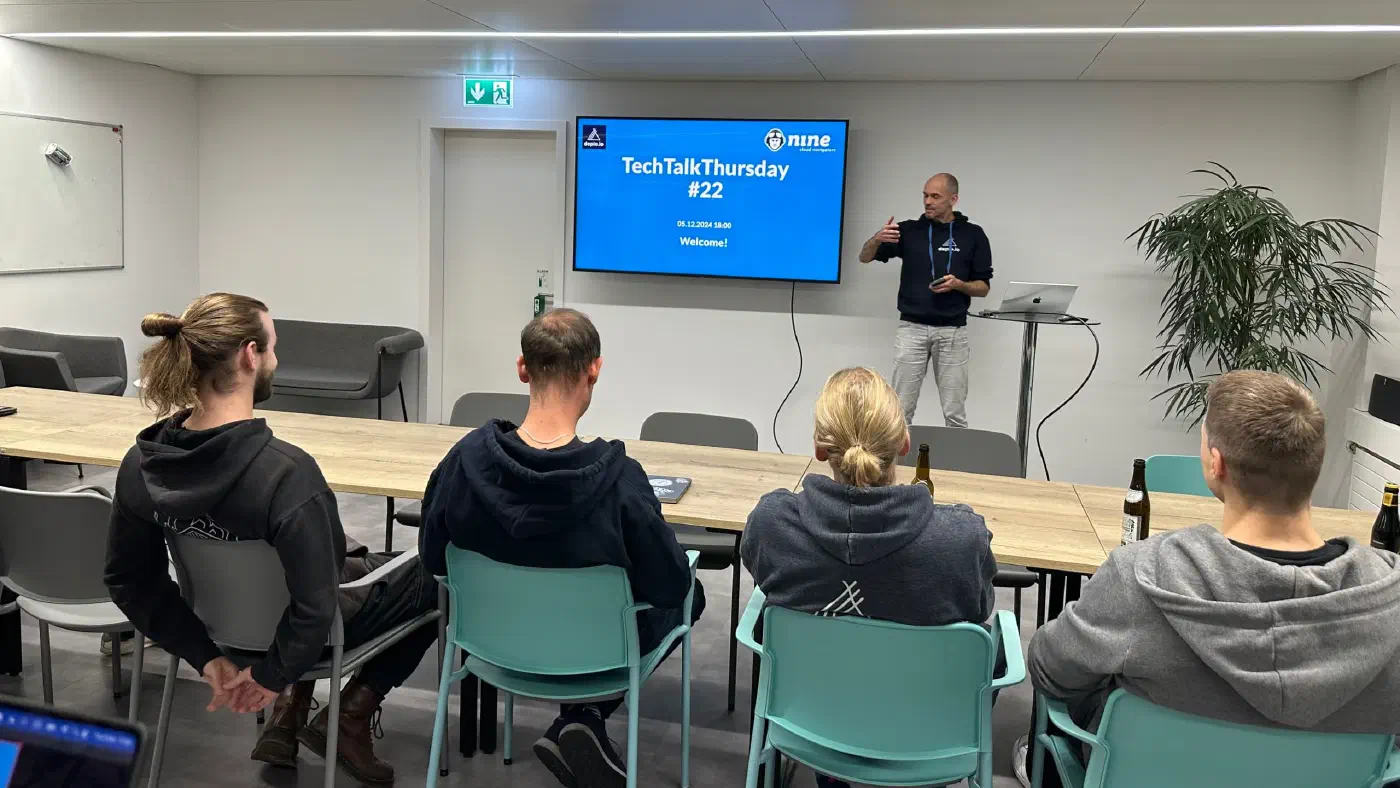
Our TechTalkThursday #22 took place on the 5th of Dezember 2024 at 18:00 in our office. We were …

With the first snow, we were enticed by the mountains: Our coworking retreat took place at the base …

Web development has evolved significantly, with numerous tools and frameworks streamlining the …
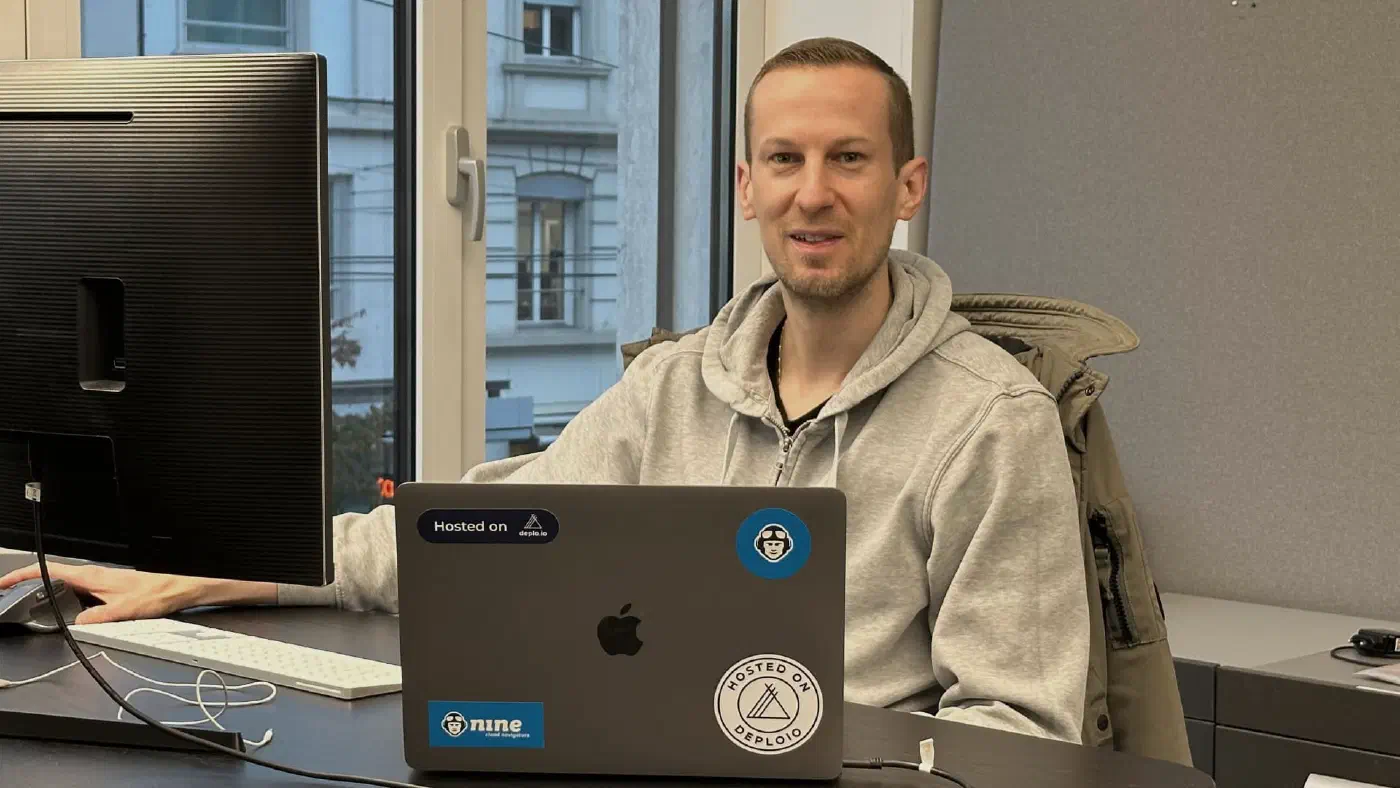
Every company wants its products and services to be seen. This requires a marketing professional who …

In today’s rapidly evolving tech landscape, modern systems like Kubernetes are often seen as the …
At Nine, we’ve been hard at work refining Deploio, our platform for deploying applications with …

Every company needs someone with a flair for numbers. An expert who has debtors and creditors under …
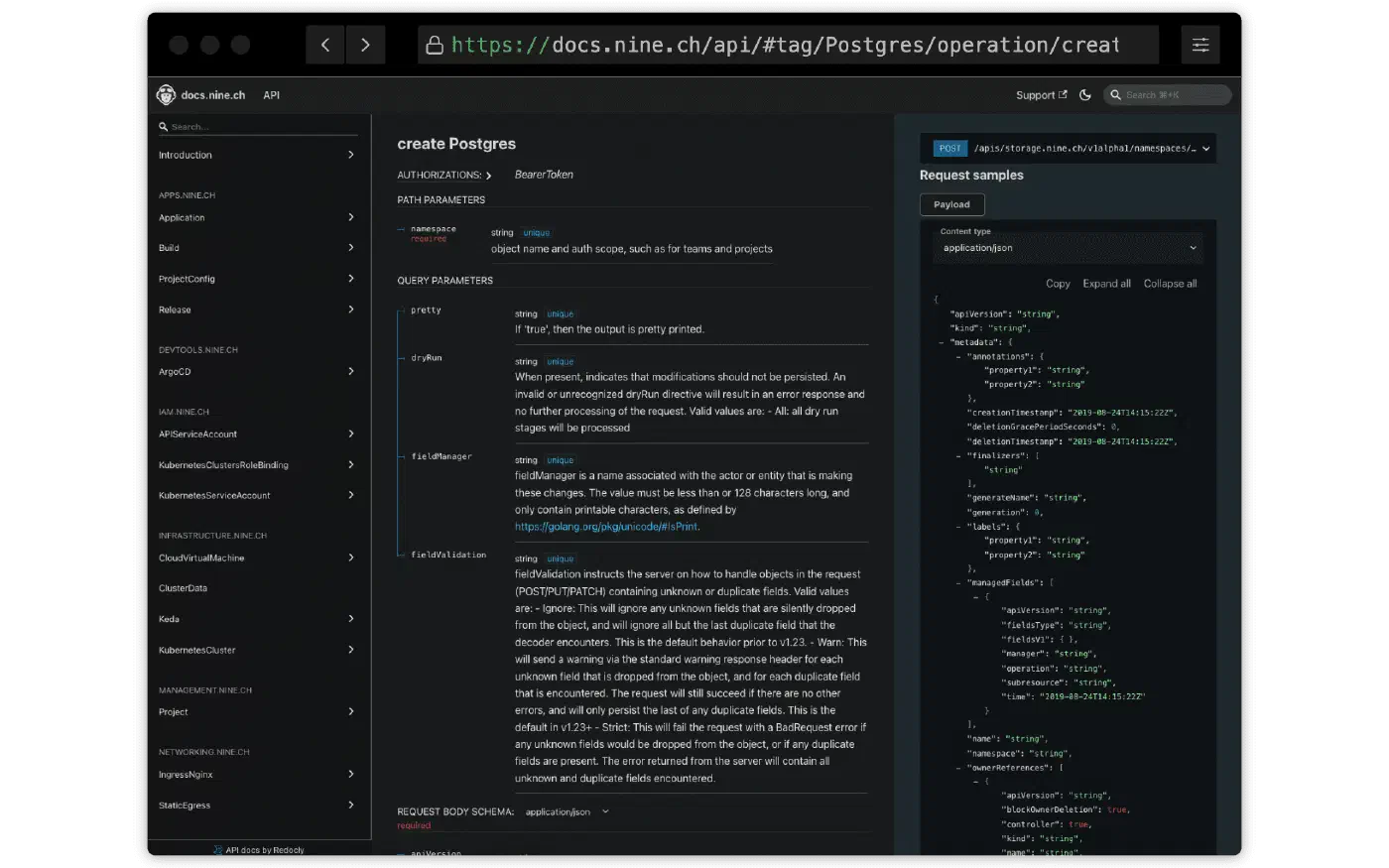
Our on-demand MySQL and PostgreSQL databases are now available for your production workloads. Let's …
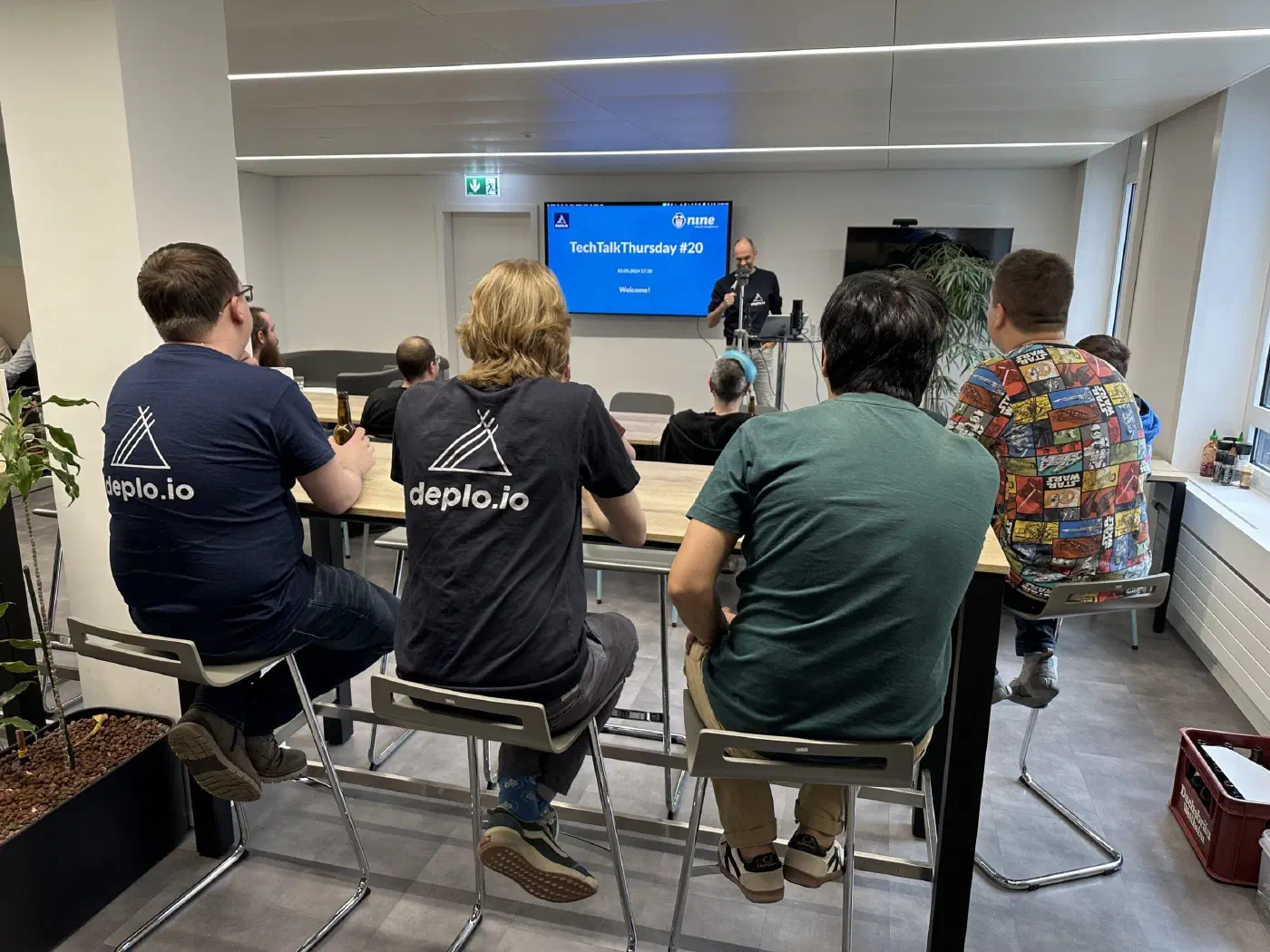
Our TechTalkThursday #20 took place on the 2nd of May 2024 at 18:00. We were happy to welcome two …
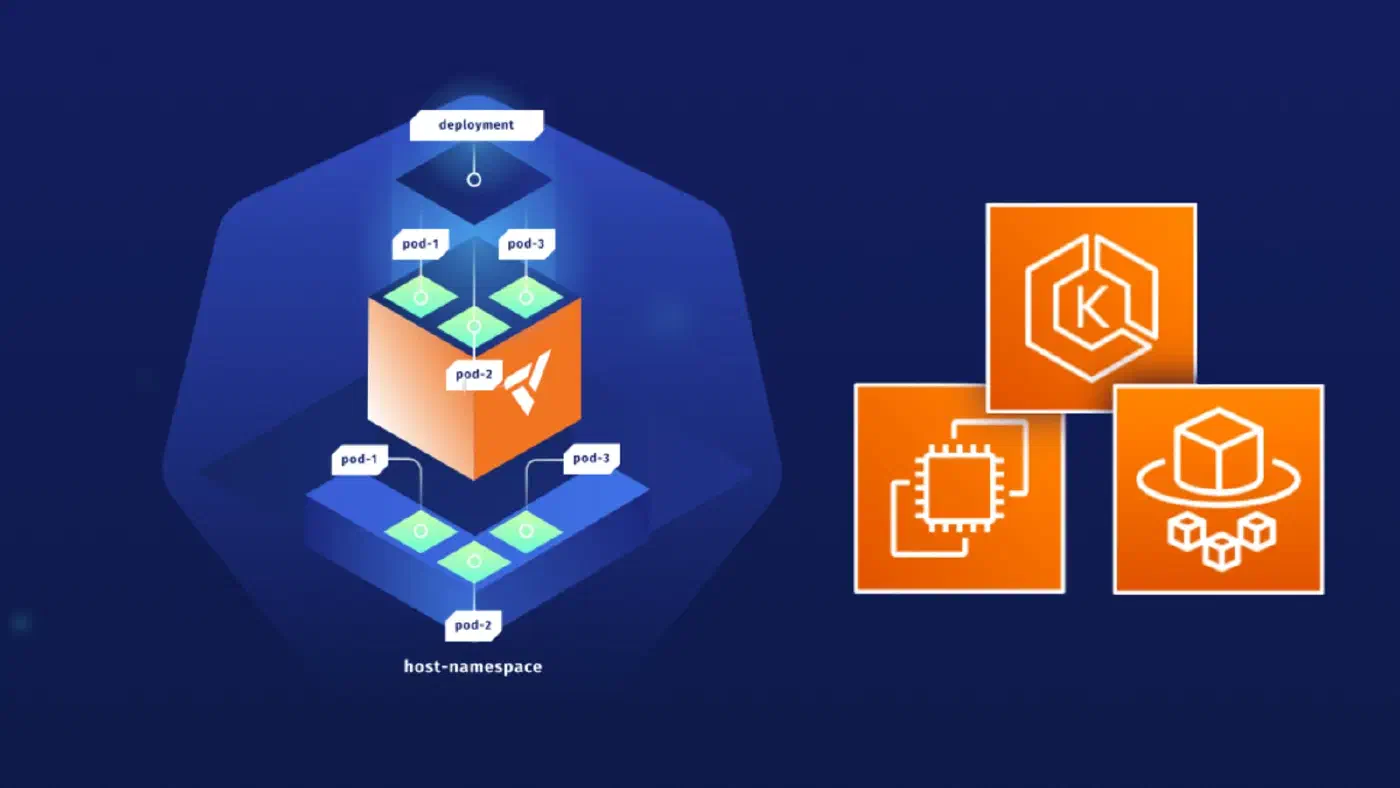
A virtual cluster is a fully working Kubernetes cluster that runs on top of another Kubernetes …

In today's web applications, search functions are omnipresent. Searching for product titles or …

As you may have noticed, our v1 S3 product has officially been deprecated, and the migration to v2 …
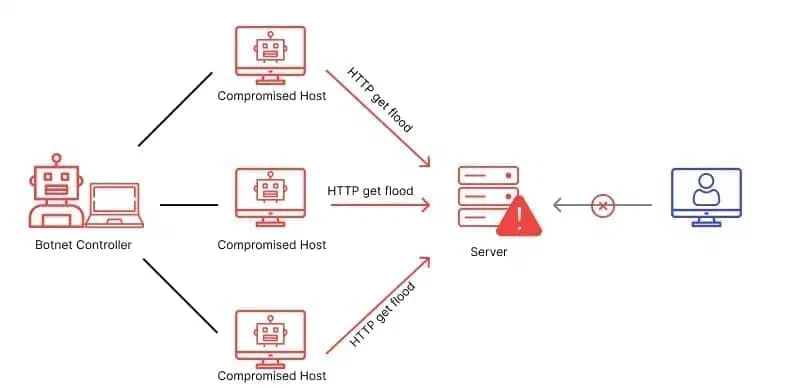
What is HTTP? HTTP, the Hypertext Transfer Protocol, is the 'language' that your web browser and …

No company can run efficiently without customer support. This is no different at Nine: every day, we …

When talking to people about migrating their applications to Kubernetes, there are often questions …

Today we’re lifting the curtains and are thrilled to present: Deploio, our Swiss-made, next-gen app …
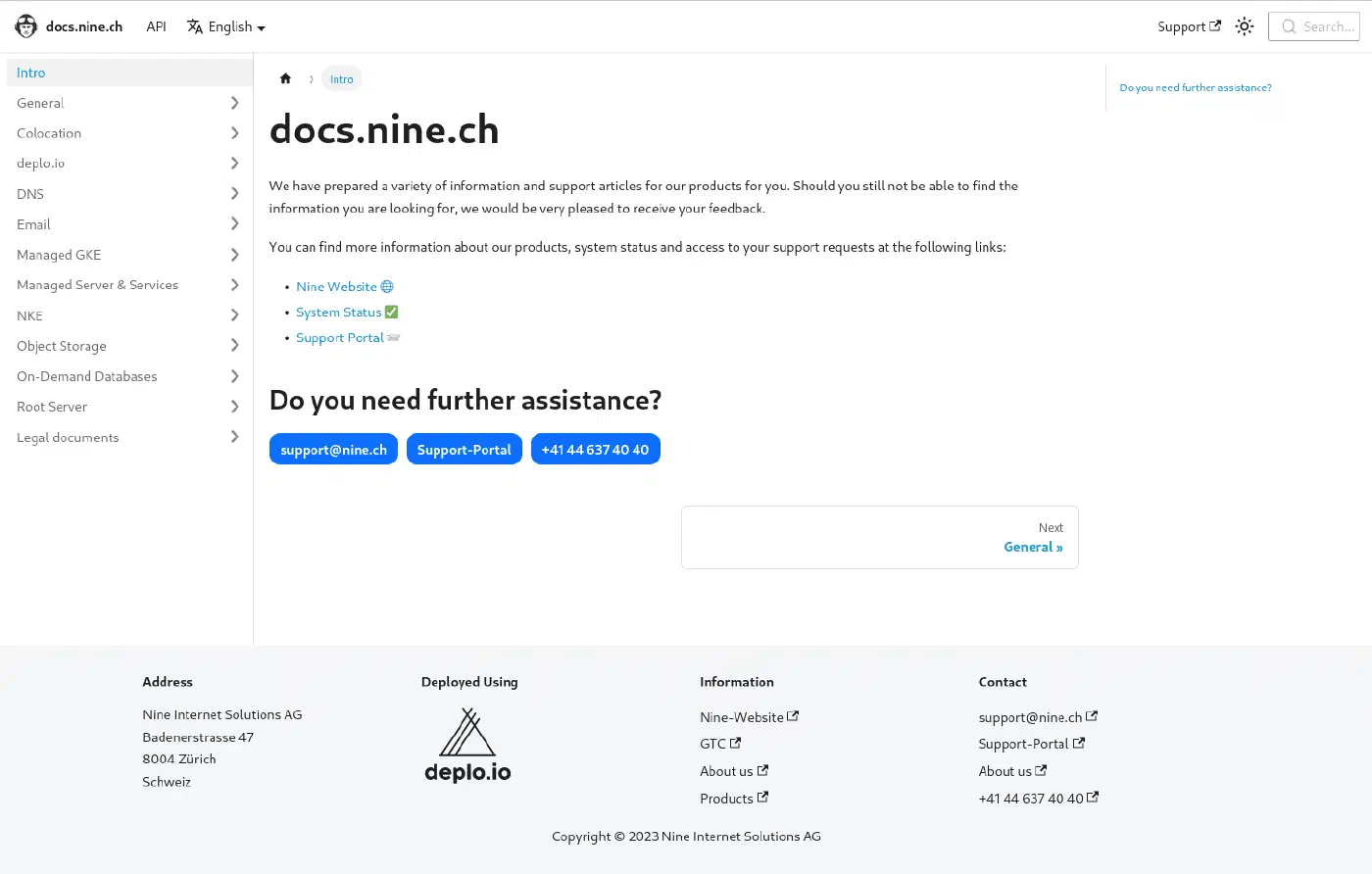
Our previous support page had lost its luster over the years. Originally developed in-house using …

The new federal Act on Data Protection (nFADP) will take effect in Switzerland from 1 September …

As more developers get familiar with deploying to Kubernetes, the need for better isolation between …

Modernise your web services with our new API and CLI tools. At Nine, we're always looking for …

As we launch our API we want to give some technical insights on how we got here and what can be …

Elasticsearch/OpenSearch and Solr are among the most popular and powerful open source search …

Three growth challenges digital agencies face as they scale, and how to overcome them Digital …

Having the reliability and mature APIs of global-scale cloud providers offers the possibility of a …

Self-service has become ubiquitous beyond the IT sector. Nevertheless, self-service cannot solve …

apfelkiste.ch is one of Switzerland’s biggest online shops. In 2020, it saw a turnover of 60 m Swiss …
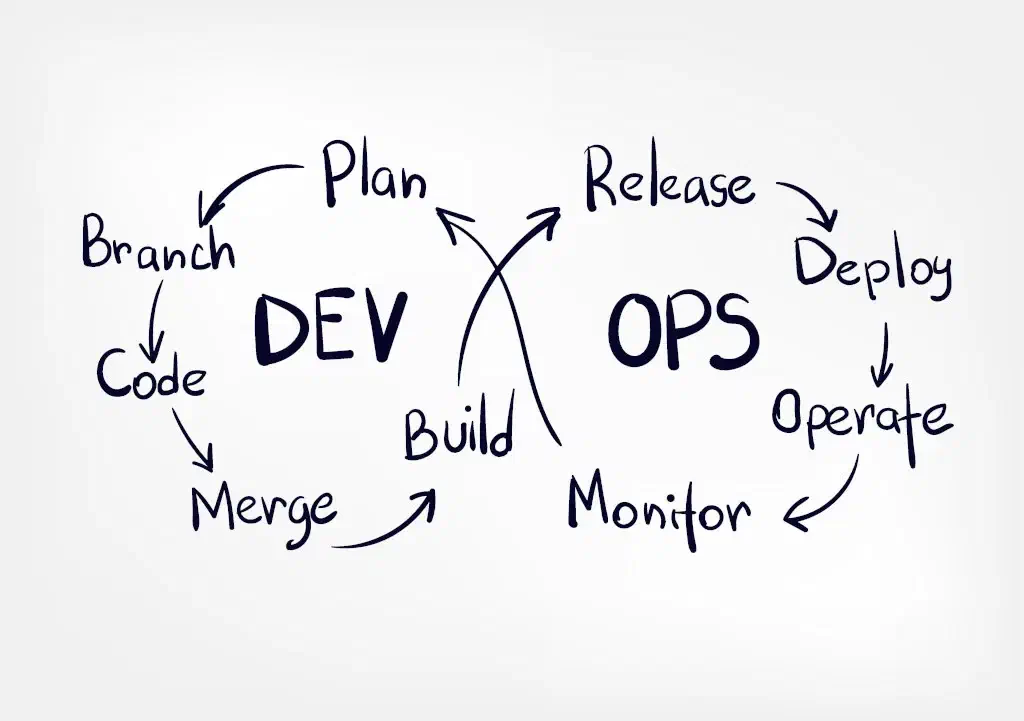
When development and operations are in tension, separate teams, each with their own self-image and …

The biggest cloud migration challenges in 2021 One thing that we often hear at Nine, being a Managed …
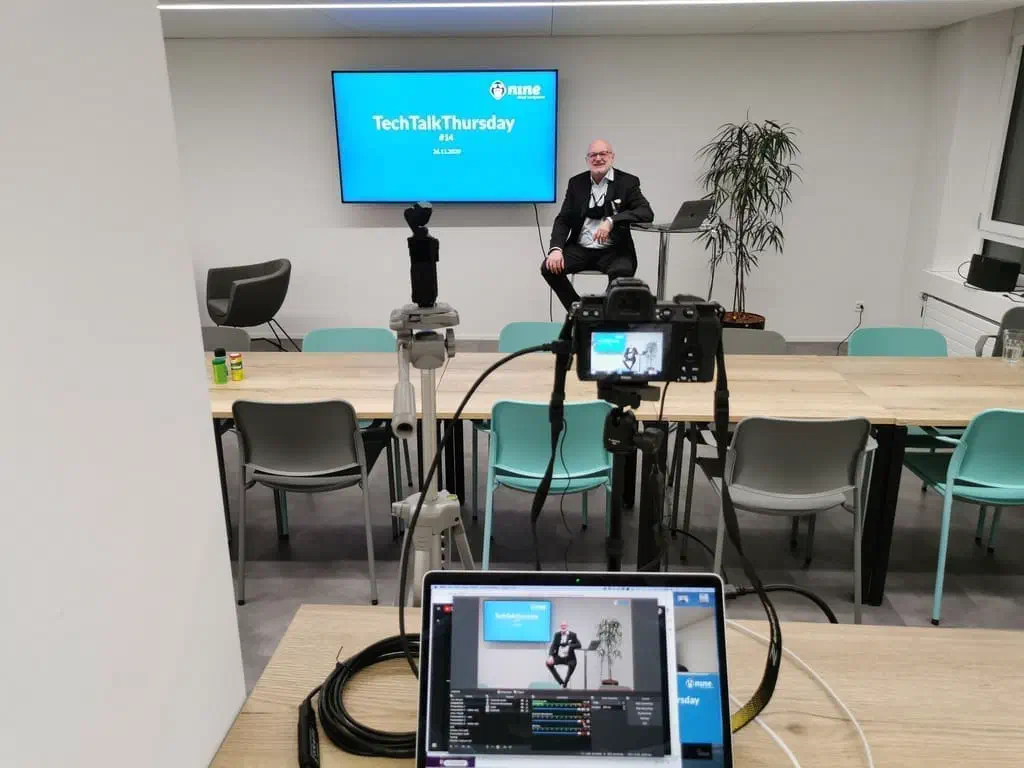
Our TechTalkThursday #14 took place on the 26th of November 2020 at 18:00. Due to local …
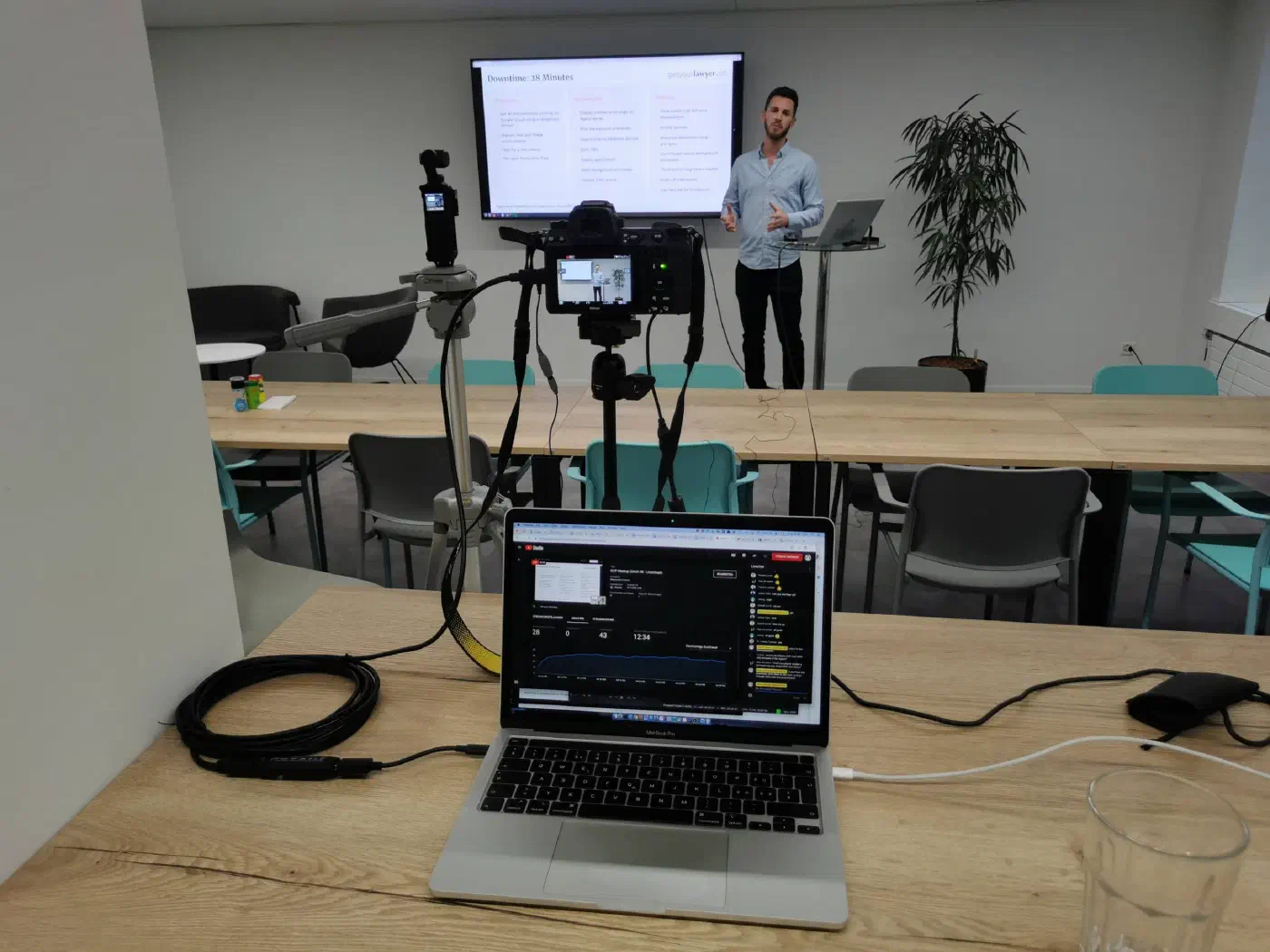
The Google Cloud Meetup #6 took place on November 10, 2020 in Zürich City in the cafeteria of Nine. …

Announcing: The newest Ubuntu distribution-release is now available for our “Managed Servers”. New …
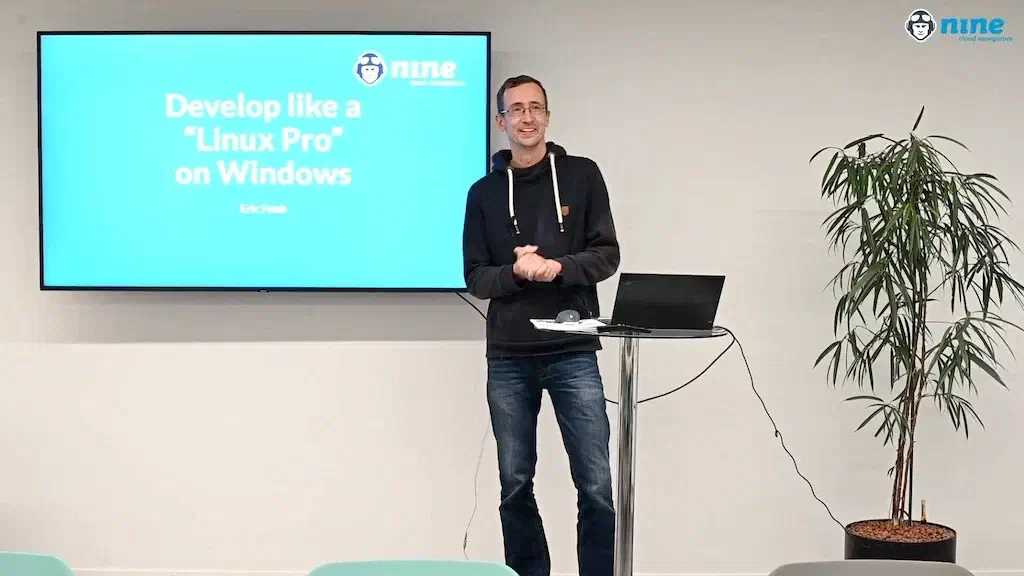
Our TechTalkThursday took place on the 1st of October at 18:00. We had with only 15 participants …
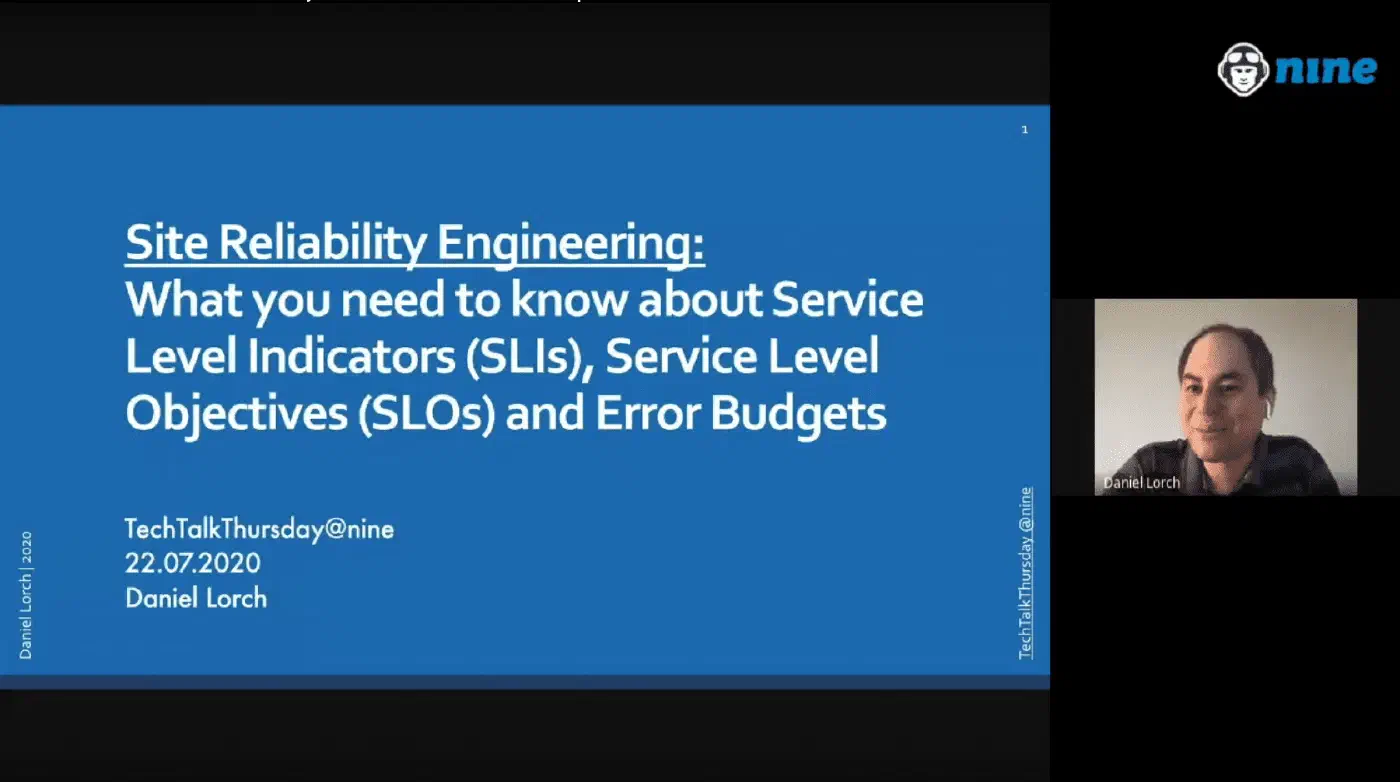
Besides our normal TechTalkThursdays in the evening, we tried new times during lunch and at 08:00 in …

Benjamin Kuster, Sales Development Executive at Nine who reduced his work quota to 20% to found a …

Managed Service Providers are indispensable service providers and partners for a large number of …
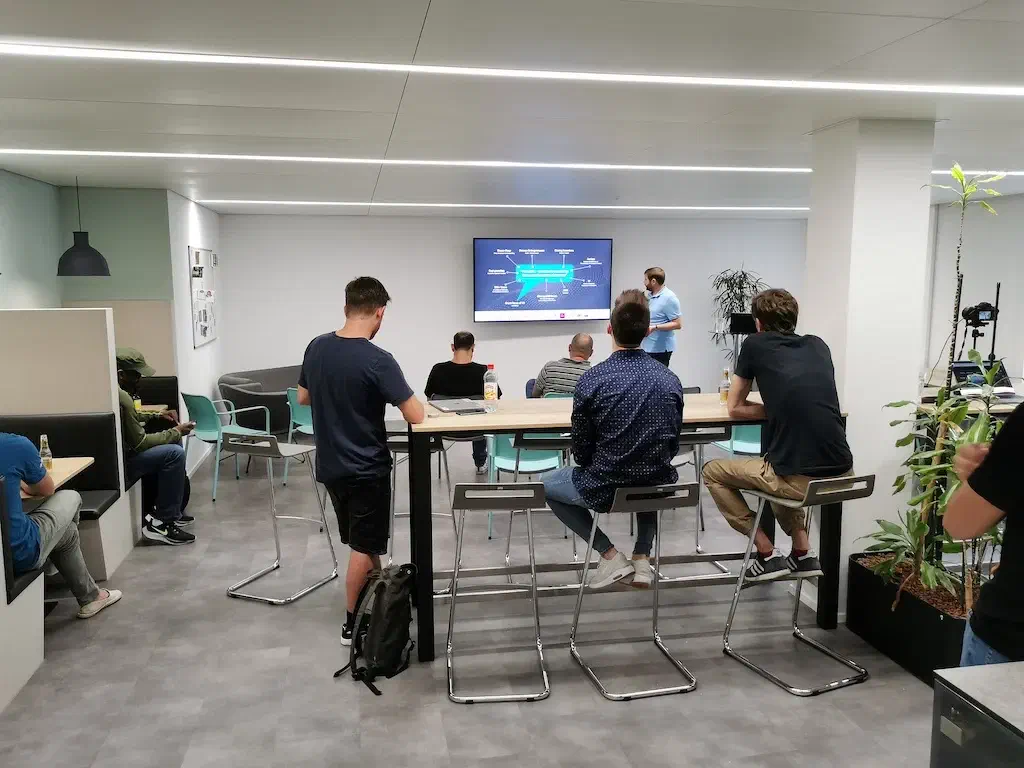
The Google Cloud Meetup #5 took place on 25 August 2020 in Zürich City in the cafeteria of Nine. …

Virtualisation, containers and cloud computing have fundamentally changed the development and …

Cloud computing has been established for a long time. The advantages over the classic supply of IT …

We quite often receive requests like: Do you support Docker? These requests kept growing, and …
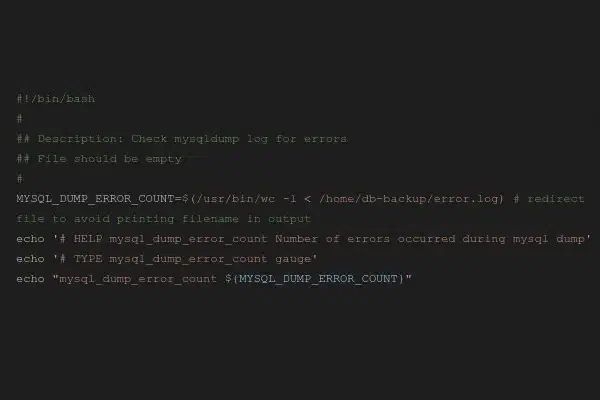
After having previously introduced our new monitoring system Prometheus in this blog, which replaced …

Clouds are servers, or networks of servers, on which corporate applications or services are provided …
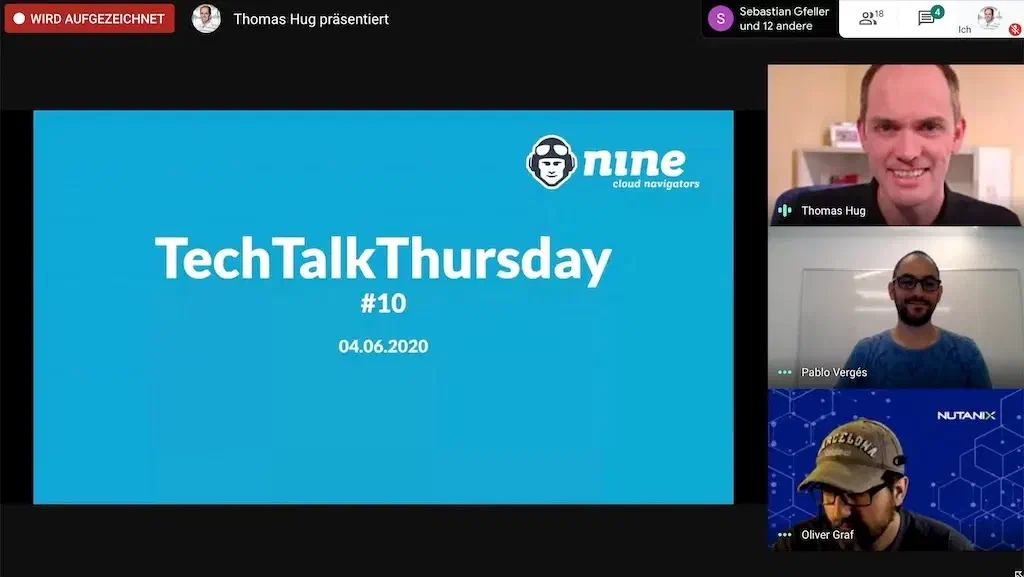
Our TechTalkThursday took place on the 4th of June at 18:00. As Corona is not yet over and since we …
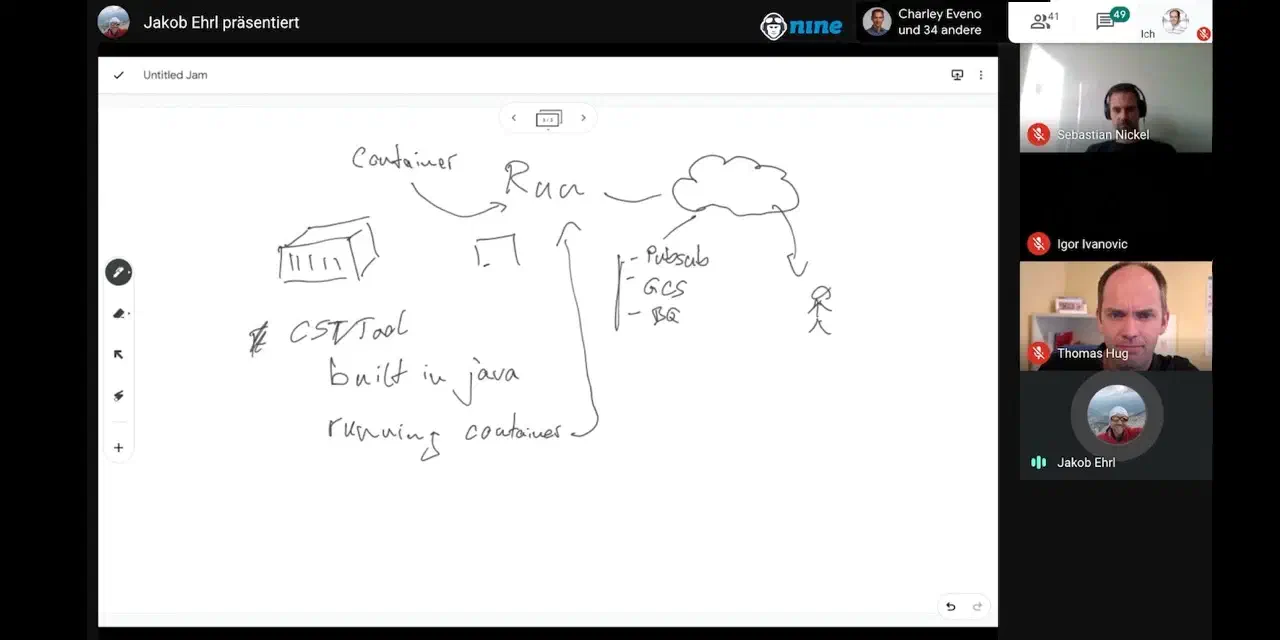
The Google Cloud Meetup #4 took place on 19 May 2020 for the first time on Google Meet. In …

Processing authoritative requests As every now and then we receive requests by authorities to …


bespinian runs its AI stack Keera on Deploio, our Swiss PaaS, keeping the product's sovereignty …

Demokratis is bringing Swiss democracy into the digital age – for cantons and public authorities …

In late 2024, swissICT faced an unexpected crisis: the previous operator of the ICT Salary Survey …

For the relaunch of supertext.com, Supertext needed a new GPU cluster that required more power …

We supported Peak Privacy in designing and building a specialised server infrastructure for LLM …

We helped Renuo AG to smoothly transition everything that was running on Heroku to Deploio, our own …

We helped mühlemann+popp to smoothly realise the migration from the Google Cloud to the Nine …

We supported healthinal with the implementation of a new monitoring system based on Managed …

We have been instrumental in helping cab to implement an outstanding hosting solution that offers …

We helped Stadler Form to find the right technical solution. At the same time, there were some …

Nine operates the reliable and stable infrastructure for PUPIL, an all-in-one solution for digital …

Nine operates the highly available infrastructure for the Ayyah software based on the Nine …

Nine was involved in the project with consulting and implementation services and support. According …

Through workshops, consulting, and their Kubernetes service stack, built atop GKE, Nine helped …

Clientis needed a solution to satisfy the requirements of the Swiss Financial Market Supervisory …

Through comparis.ch, users can compare everything from health insurance schemes and insurance …

With our Root Servers, the Swiss Red Cross achieves complete independence on an efficient …

When outsourcing the hosting of www.mobiliar.ch and other web projects as part of its brand …

New market conditions, new requirements for their product range: containerising their software has …


With the Managed Virtual Servers, HUG AG benefits from an all-round carefree package including …

Nine provided the expertise, training and optimisation. Through workshops, consulting, and their …

Nine provided the expertise through workshops, consulting, and the services built atop GKE. All …

The Dr. Marc Rutschmann AG is using Managed Kubernetes for creating and managing customer web pages.
Option comparison · Deploio or HerokuYou keep pushing your code, we build and run the app. Only now it runs in Switzerland, free of the CLOUD Act, with our engineers as your contacts and on a platform that keeps evolving.
In February 2026, Salesforce announced that Heroku moves into “Sustaining Engineering Mode”: no new features, no new enterprise contracts (source: heroku.com). These are the most common reasons teams switch.
| On Heroku | On Deploio |
|---|---|
| git push to deploy | A git push is all it takes: automatic Build Phase and Release Phase. New instances replace the running ones. |
| Buildpacks | Buildpack Stacks: “heroku” (default) uses unchanged Heroku Cloud Native Buildpacks, “paketo” is the alternative. Or use a Dockerfile Build. Ruby, PHP, Node.js, Go and Python are detected automatically. For static sites you set the language once. |
| Dynos and scaling | Instances (replicas) at a fixed size from micro to standard-4, scaled by setting the replica count. There is no automatic scaling: if you use Heroku autoscaling today, plan a fixed replica count. |
| Procfile web | The Procfile works, but only web is used. Other keys don’t influence how your app runs. |
| Procfile release and worker | Deploy Jobs before each release and up to 3 Worker Jobs (e.g. Sidekiq) |
| Heroku Scheduler | Scheduled Jobs with cron syntax and time zone |
| Heroku Postgres | On-Demand PostgreSQL or MySQL. Service Connections (beta, in Cockpit on the app’s Connected Services tab or via nctl) inject the credentials as NINE_PG_* / NINE_PGDB_* environment variables, not as DATABASE_URL. |
| Redis or Key-Value | Key-Value Store (Redis compatible) |
| Review Apps | Copy an app with nctl copy application for a second environment |
| Custom domains | Up to 50 Custom Host Names with automatic Let’s Encrypt certificates |
| Files on S3 | S3-compatible Object Storage in Switzerland |
| Logs and metrics via add-ons | Logs kept for 30 days and basic application metrics in Cockpit. Detailed metrics with a Grafana instance. |
| heroku run | nctl exec opens a shell in a running instance and shares its resources. For one-off tasks such as migrations, use Deploy Jobs. |
| Heroku CLI and dashboard | Cockpit, nctl or API |
We’ll cover special add-ons or configurations in a migration call.
Create an account in Cockpit. The smallest size, micro, costs CHF 8.75 per month.
Enter the Git URL. Private repos work with any Git host, over SSH or over HTTPS with username and token. Deploio builds with the heroku Buildpack Stack by default.
Deploio runs web from your Procfile. Move release and worker to Deploy Jobs and Worker Jobs.
Create an On-Demand database, import your data and connect it with Service Connections or environment variables. Service Connections don’t set DATABASE_URL: set it yourself, or point your app at the injected NINE_PG_
Add your Custom Host Names, test, then point DNS to Deploio. Remove AAAA records: Deploio doesn’t support IPv6.
Larger setups
For larger setups, we’ll guide you personally.
Prices per month and instance, billed by the minute for actual usage. micro is ideal for testing on a small non-production instance. Pause an app to stop it and its jobs, and resume it when you need it again. Connected databases, Key-Value Store, Object Storage and Static Egress keep running and are still billed. Databases, Key-Value Store and Object Storage are priced separately. Full price overview in the Price Calculator.
Rails agency Renuo ran on Heroku for years. When a price increase in 2022 would have nearly quadrupled Renuo’s costs, the idea for Deploio was born together with us. Today: write code, git push, CI/CD runs, clients test. We handle the rest.
«Cloud yes, but preferably in Switzerland from a Swiss company with capable engineers who take you seriously – with Nine we found that.»
 Josua SchmidCTO
Technical details in our documentation.
From colocation to Root and Managed Products, platforms and services: all with us, in our Swiss data centres. Grow from one layer to the next without switching providers.
Get started with Deploio or plan the migration with us.
Do you have questions about our products? No problem. Contact our sales department or go directly to your Cockpit to see all the possibilities at Nine.
Already a customer? Documentation · Support · Status
