 Status


























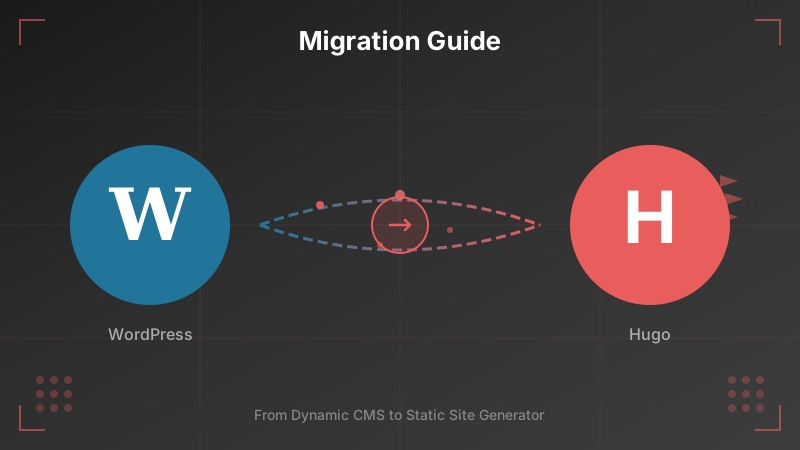












































We did it: After years with WordPress, we migrated our website to Hugo – a static site generator written in Go. In this article, we share our experiences and explain why this switch was the right decision for us.
Why the Switch?
WordPress is a fantastic CMS that powers a large portion of the internet. But for our needs as a hosting company with a technically skilled team, it was time to take a different path. Having a fast website was very important to us. After various improvements to the WordPress site with caching and other tricks, we hit a limit. On top of that, the site searches were still painfully slow. When a customer then sent us a screenshot of a timeout during a form submission, the pain was big enough to embark on the migration adventure!
The Benefits of Hugo
1. Speed
Hugo is incredibly fast – both during build and delivery. Our entire website is generated in just a few seconds. Since we’re serving static HTML files, they load instantly. No database queries, no PHP execution, no waiting.
2. No Database, No Cache
WordPress requires a MySQL database and often additional caching plugins to perform well. Hugo generates static files – done. This means less resource consumption, less complexity, and fewer potential points of failure.
3. No 1000 Settings in a Web Interface
Anyone who knows WordPress also knows the admin panel with its countless options, plugins, and settings. With Hugo, everything is clearly structured in files and folders. What you see is what you get.
4. Less Maintenance Overhead
With WordPress, we received daily automatic merge requests with security updates for core, themes, and plugins. Every update had to be reviewed and tested. With Hugo, there are no ongoing security updates for the website itself – the generated output is static HTML.
5. Everything Versioned in Git
This is the biggest advantage for us: All content, templates, and configuration live in a Git repository. This means:
- Staging reflects everything: Not just the CMS with its modules, but the complete content.
- No more data sync: Previously, we had to sync data from production to staging. Now, a branch switch is all it takes.
- Complete history: Every change is traceable. Who changed what and when?
- Code review for content: Even content changes can be reviewed via merge requests.
6. Configuration as Code
All settings are in configuration files. No hidden options in the database, no surprises after an update. Infrastructure as Code, but for the website.
7. Consistent Design Thanks to Markdown
Content is written in Markdown. This enforces a certain structure and prevents people from playing around with inline styles or formats copied from Word. The result: A consistent appearance.
8. German Pages with German URLs
With Hugo, we can finally implement clean, multilingual URLs. Instead of /de/products/, we now have /de/produkte/. This is not only more user-friendly but also better for SEO.
9. Simple Alias Handling
Redirects and aliases are trivial in Hugo. A simple entry in the frontmatter of a page, and you’re done. No plugins, no .htaccess tinkering.
The Implementation: AI-Assisted Migration
Here’s where it gets interesting: The entire migration was carried out using Claude Code – Anthropic’s AI-powered coding assistant. From the initial project structure to template development to this very blog post: Everything was created in a dialogue between human and AI.
The Numbers
| Category | Value |
|---|---|
| Project duration | 20 days |
| Commits | ~360 |
| Redirect rules | ~1,580 |
| Build time | ~2 seconds |
| Code (new) | |
| HTML templates | 64 files, ~4,700 lines |
| SCSS stylesheets | 104 files, ~9,000 lines |
| Code total | ~14,000 lines |
| Content (from WP DB) | |
| Markdown files | 216 files, ~17,400 lines |
Why Claude Code?
Migrating a complex website is normally a mammoth project. With Claude Code, we were able to:
- Iterate faster: Template changes, bug fixes, and new features were created in minutes instead of hours
- Maintain consistency: The AI assistant “remembers” project conventions and applies them consistently
- Master complex refactorings: For example, renaming
/de/products/to/de/produkte/– which sounds harmless but required changes to templates, redirects, translation keys, and more - Deliver documentation alongside: This blog post? Also written with Claude Code
The result: A complete website migration that would normally take weeks, in a fraction of the time.
The Only Downside?
New pages now need to be written in Markdown instead of the WYSIWYG editor. But let’s be honest: Who still clicks around these days? Markdown is faster, cleaner, and can be perfectly versioned. For a technical team like ours, this isn’t a downside – it’s a feature.
Conclusion
Switching from WordPress to Hugo was the right decision for us. Less complexity, more control, better performance, and a workflow that fits a development team. If you’re planning a similar project, we can only recommend Hugo.
Do you have questions about the migration or Hugo in general? Contact us – we’re happy to share our experiences!
